-
How to take a Screenshot on PicsArt: Complete Guide for Android, iPhone & PC
Taking a screenshot while editing in PicsArt is normally as simple as using your device’s built-in screenshot shortcut. However, some users may see a black or blank screenshot when capturing certain app screens. This can happen because of device-level security settings, app behavior, protected content, or the way a particular screen is rendered. In this…
-
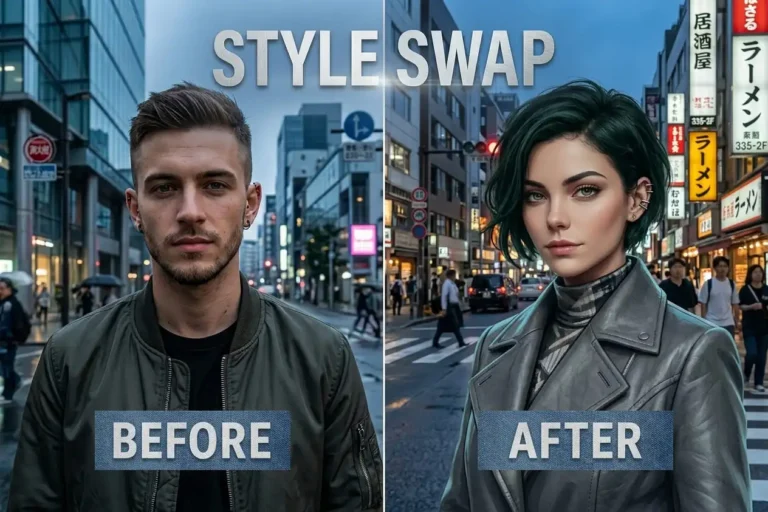
How to Use Face Swap in PicsArt: Step-by-Step Guide
Face swapping is a popular way to create funny photos, creative portraits, memes, and social media content. With PicsArt’s AI-powered editing tools, you can change selected parts of an image and experiment with different facial looks without needing advanced Photoshop skills. Depending on your PicsArt version and platform, face-related editing may be available through AI…
-
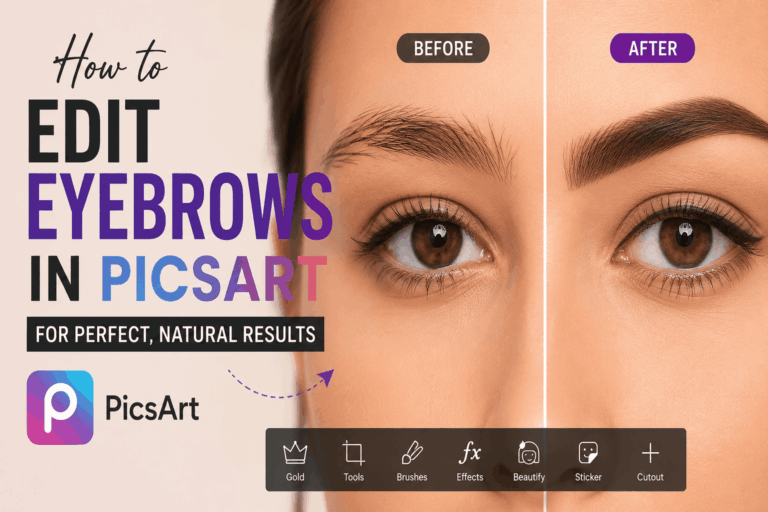
How to Edit Eyebrows in PicsArt
Uneven eyebrows are completely normal, but they can sometimes look more noticeable in selfies because of lighting, camera angles, or facial expressions. If one eyebrow appears higher, thinner, or less defined than the other, you can make suitable adjustments with PicsArt without changing the rest of your face. In this guide, you’ll learn how to…
-
How to Cancel PicsArt Subscription on Android, iPhone, PC & Web
If you subscribed to PicsArt Gold or another paid plan and no longer want to continue, you can cancel your subscription before the next billing date. The cancellation method depends on where you originally purchased the subscription. This guide explains how to cancel a PicsArt subscription on Android, iPhone/iPad, PC, and the web, along with…
-
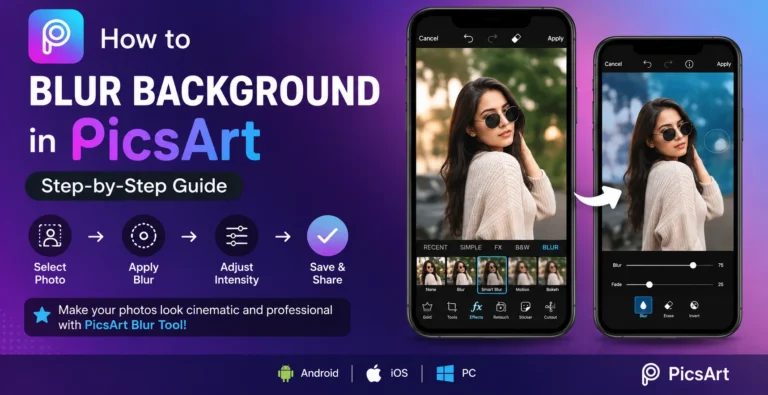
How to Blur a Background in PicsArt? Easy Step-by-Step Guide
Want to make your photos look more professional? PicsArt makes it easy to learn how to blur background while keeping the main subject clear. Whether you’re editing a portrait, product photo, or social media image, the right blur can instantly improve the overall look. This guide explains how to blur backgrounds in PicsArt on mobile…
-
How to Create Collages in PicsArt? A Complete Guide
Want to combine multiple photos into one creative design? PicsArt Mod APK collage maker makes it easy to create photo grids, freestyle layouts, product collages, mood boards, and social media designs. You can arrange photos, adjust spacing, add text and stickers, apply filters, and customize the background directly in the app. In this guide, you’ll…
-
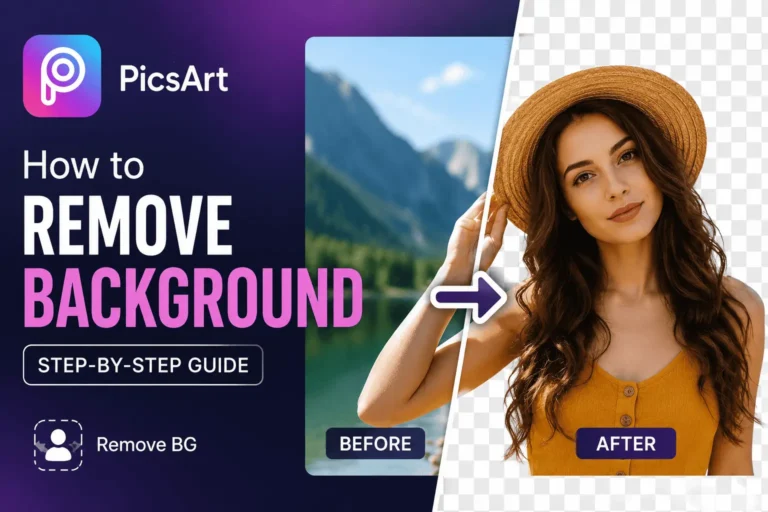
How to Remove Background in PicsArt? Step-by-step guide.
Want to remove background in PicsArt without using difficult editing software? PicsArt makes background removal simple with its AI-powered Remove BG tool and Cutout feature. You can create professional-looking images by removing unwanted objects, smoothing skin, and replacing dull backgrounds with solid colors, gradients, or custom images. You can remove a background, clean up edges,…