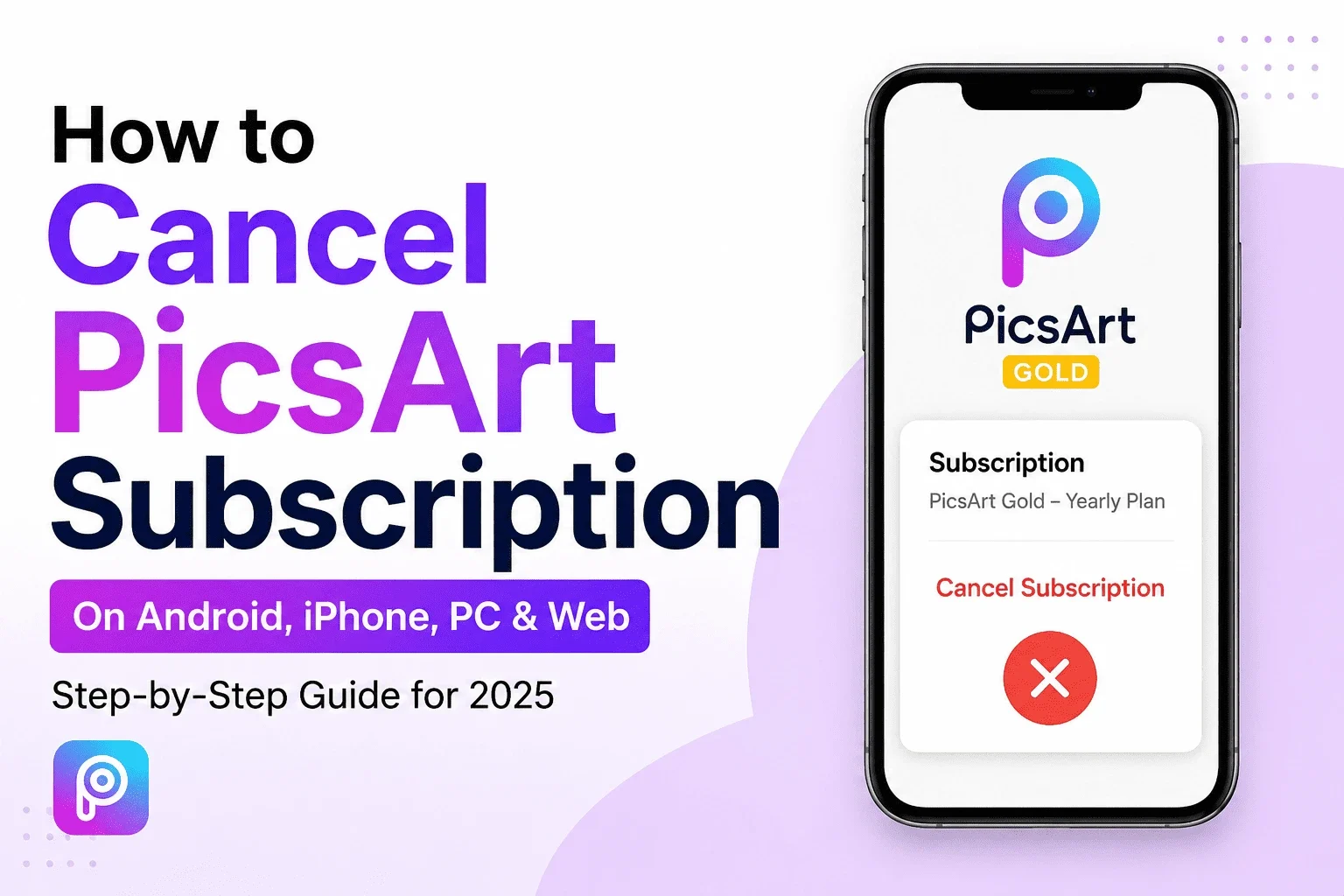
How to Cancel PicsArt Subscription on Android, iPhone, PC & Web
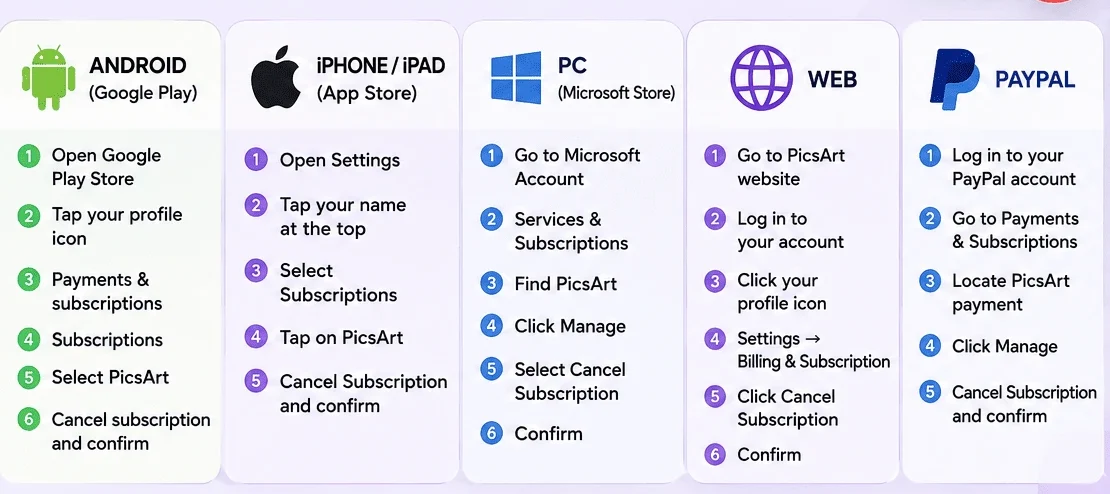
If you subscribed to PicsArt Gold or another paid plan and no longer want to continue, you can cancel your subscription before the next billing date. The cancellation method depends on where you originally purchased the subscription.
This guide explains how to cancel a PicsArt subscription on Android, iPhone/iPad, PC, and the web, along with what happens to your premium features after cancellation.
Why Cancel a PicsArt Subscription?
There are many reasons you may want to cancel your PicsArt subscription:
How to Cancel PicsArt Subscription on Android
If you purchased PicsArt through Google Play, you normally manage the subscription through your Google account.
Make sure you are signed in to the Google account that was used to purchase the subscription.
How to Cancel PicsArt Subscription on iPhone or iPad
If you subscribed through Apple’s App Store, cancel the subscription from your Apple account.
If PicsArt does not appear in your subscriptions, check whether you used a different Apple ID.
Here is the complete guide on PicsArt for iOS.
How to Cancel PicsArt Subscription on the Web
If you purchased your subscription directly through PicsArt’s website, sign in to the account associated with the subscription and look for the account’s billing or subscription management settings.
The exact menu names can change as PicsArt updates its website, so follow the cancellation instructions shown in your account.
How to Cancel PicsArt Subscription on PC
The cancellation process depends on where the subscription was purchased. If you purchased it through Microsoft, open your Microsoft account’s subscription management area and look for the PicsArt subscription. Choose the management option and follow the cancellation instructions.
If you purchased PicsArt through another platform, cancel it through that platform instead.
Here is the detailed guide on PicsArt for PC and its use.
What Happens After You Cancel PicsArt?
When you cancel your subscription, it usually stops the next payment. You can normally keep using the premium features until your current subscription period ends. After that, your account may go back to the free plan.
Can You Get a Refund After Canceling PicsArt?
Cancellation and refunds are two different things. Canceling your subscription stops future payments, but it does not mean you will automatically get a refund for a previous payment. Whether you can get a refund depends on:
- Where you bought the subscription
- The platform’s refund policy
- When you were charged
- Your reason for requesting a refund
If you were charged by mistake, check the refund options on the platform where you purchased the subscription.
What If You Cannot Find Your PicsArt Subscription?
If you cannot find the subscription, first check which account and platform were used for the purchase. For example:
- Check your Google account’s subscriptions on Android.
- Check your Apple ID subscriptions on iPhone or iPad.
- Check your Microsoft account if you purchased through Microsoft.
- Check your PicsArt account if you subscribed directly through the website.
You can also search your email for the original purchase confirmation to identify the account or payment platform.
Pros and Cons of Canceling PicsArt
Pros
Cons
Final Thoughts
Canceling a PicsArt subscription is easy once you know where you bought it. Android users can cancel through Google Play, while iPhone and iPad users can cancel through Apple subscriptions. If you subscribed through the web or PC, cancel it through the platform where you made the purchase.
Before canceling, check your next billing date and make sure you’re using the correct account. If you want to switch to another editing app, compare its features and pricing first.