
PicsArt vs CapCut: Features, AI Tools & Pricing Compared
Choosing between the two powerful apps, PicsArt and CapCut, can be quite difficult. PicsArt offers a creative power photo editing and graphic design platform with advanced AI tools. While CapCut focuses on video editing, especially for short-form video content like TikTok, Instagram Reels, and YouTube Shorts. This guide compares every important aspect, including AI features, templates, and pricing, so you can decide which app is right for you.
|
Feature |
PicsArt |
CapCut |
|---|---|---|
|
Primary Purpose |
Photo editing and graphic design |
Video editing and content creation |
|
Photo Editing |
Advanced editing with AI tools, filters, stickers, and retouching |
Basic photo editing tools |
|
Video Editing |
Basic trimming, effects, and music |
Professional timeline editing with advanced features |
|
AI Features |
AI Image Generator, AI Enhance, AI Replace, Background Remover |
AI Captions, Text-to-Speech, AI Script, Video Enhancement |
|
Filters & Effects |
Wide range of photo filters and creative effects |
Cinematic video filters, transitions, and effects |
|
Background Remover |
AI-powered background removal |
Available for images and videos |
|
Motion Tracking |
Not available |
Available |
|
Auto Captions |
Not available |
AI-powered automatic captions |
|
Free Version |
Available |
Available |
What are the core features?
User Interface Comparison
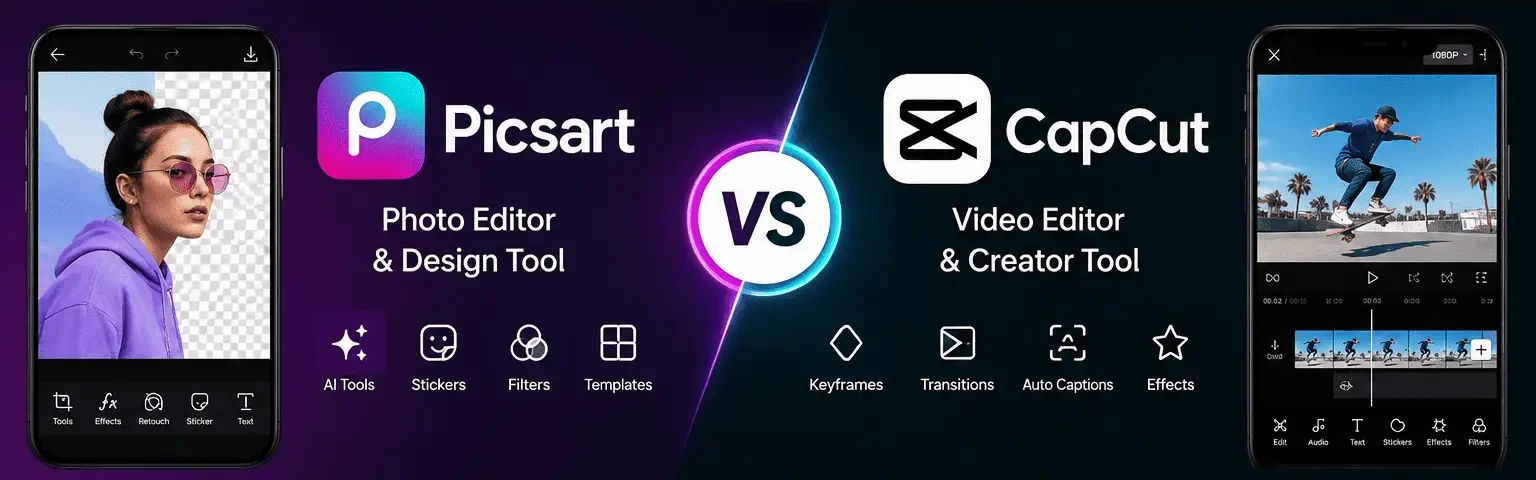
PicsArt: Has a clean and simple interface that is easy for beginners to use. All editing tools are well organized, making it quick to find what you need.
CapCut: Uses a timeline-based interface that is perfect for video editing. It makes editing clips, adding effects, and arranging scenes very easy.
Photo Editing Comparison
PicsArt: Offers powerful photo editing tools like AI Enhance, background remover, filters, stickers, and retouching. It is a great choice for creating social media posts, thumbnails, and professional images.
CapCut: Includes basic photo editing features, but they are limited compared to PicsArt. It is mainly designed for editing videos rather than photos.
Video Editing Comparison
PicsArt: It lets you trim videos, add music, apply filters, and use basic effects. It is suitable for simple and quick video edits.
CapCut: Provides advanced tools like keyframes, speed control, transitions, motion tracking, and color grading. It is a better choice for creating professional-quality videos.
AI Features Comparison
PicsArt: Comes with AI tools such as AI Image Generator, AI Enhance, AI Replace, and AI Background Remover. These features help you edit photos faster with just a few taps.
CapCut: Focuses on AI tools for videos, including auto captions, text-to-speech, AI scripts, and video enhancement. These tools save time when creating video content.
Filters & Effects Comparison
PicsArt: Offers hundreds of filters, beauty effects, stickers, and creative overlays for photos. You can easily give your images a unique and attractive look.
CapCut: Provides cinematic filters, video effects, and smooth transitions. It is ideal for making engaging Reels, Shorts, and TikTok videos.
Templates Comparison
PicsArt: Includes templates for Instagram posts, collages, posters, logos, and YouTube thumbnails. These ready-made designs help you create content quickly.
CapCut: Offers many templates for TikTok, Instagram Reels, YouTube Shorts, and promotional videos. Simply replace the sample clips with your own and export.
Performance Comparison
PicsArt: Runs smoothly on most Android and iOS devices, especially for photo editing. It works well even on many mid-range smartphones.
CapCut: Requires a little more processing power because of its advanced video editing features. It performs best on newer devices with more RAM.
Export Quality Comparison
PicsArt: Supports exporting images and videos in high quality, including HD and 4K on supported devices. Your content remains clear and sharp after export.
CapCut: Also supports HD, 2K, and 4K exports with extra settings for frame rate and bitrate. This gives users more control over video quality.
Audio & Captions Comparison
PicsArt: Allows you to add background music and basic audio to short videos. It is suitable for simple video projects.
CapCut: Supports multitrack audio, sound effects, text-to-speech, audio ducking, and automatic captions. These features make video editing faster and more professional.
Real-World Workflow Comparison
PicsArt: Best for creating Instagram posts, YouTube thumbnails, product photos, and graphic designs. Its cutout, text, and background removal tools make designing easy.
CapCut: Best for editing Reels, TikTok videos, YouTube Shorts, and talking-head content. Its advanced editing tools help create smooth and engaging videos.
Pricing & Platform Comparison
PicsArt: Offers a free version with an optional Gold subscription for premium tools and assets. It is available on Android, iOS, the web, and desktop.
CapCut: Also has a free version with optional premium features for advanced editing tools. It works on Android, iOS, Windows, macOS, and the web.
What are the pros and cons?
Following are the pros and cons of picsart:
Pros
Cons
Following are the pros and cons of CapCut:
Pros
Cons
What are the practical tips?
Which App Is Better?
|
If You Want To… |
Choose |
Reason |
|---|---|---|
|
Edit photos regularly |
PicsArt |
Offers advanced photo editing tools, AI features, and creative effects. |
|
Create YouTube thumbnails |
PicsArt |
Provides cutout tools, text styles, stickers, and design templates. |
|
Design social media posts |
PicsArt |
Includes ready-made templates, fonts, and graphic design features. |
|
Create logos or posters |
PicsArt |
Better for graphic design and custom artwork. |
|
Use AI photo editing tools |
PicsArt |
Includes AI Enhance, AI Replace, Background Remover, and AI Image Generator. |
|
Edit videos professionally |
CapCut |
Offers advanced video editing tools with an easy timeline interface. |
|
Create YouTube Shorts |
CapCut |
Optimized for short-form videos with smooth transitions and effects. |
|
Make Instagram Reels |
CapCut |
Includes trending templates, beat sync, and auto captions. |
|
Create TikTok videos |
CapCut |
Designed for social media videos with fast editing tools. |
|
Add keyframe animations |
CapCut |
Supports keyframes, motion tracking, and speed ramping. |
|
Want the best all-around editor |
Depends on Your Needs |
Choose PicsArt for photos and design, or CapCut for professional video editing. |
Conclusion
Picsart is the best photo editing app, offering you graphic design, AI image generation, and creative content, making it the better choice. If your workflow revolves around video editing, transitions, motion graphics, subtitles, and short-form video content, CapCut is the stronger option. Many content creators actually use both editing images and thumbnails in PicsArt and produce videos in CapCut to get the best results.